Every Pedalboard You Ever Needed, Stuffed Into a Box the Size of a Lunchbox
Zoom G3Xn reviewed: 127 effects, 32 amp/cab models, built-in expression pedal, 80-second looper at $249. Full specs, tone recipes, and honest comparisons.
There is a moment every gigging guitarist knows. You are loading in for a show—three flights of stairs, no elevator, forty minutes before doors—and you look at your pedalboard and calculate the trip in sweat and bruised knuckles. The Zoom G3Xn exists as a direct answer to that calculation. It is not trying to be a flagship modeler. It is not chasing Helix or Quad Cortex. It is a compact, affordable, deeply practical multi-effects unit that puts 127 effects, 32 amp and cabinet emulators, a looper, a rhythm machine, and a built-in expression pedal into a unit that weighs 1.84 kilograms and costs $249.99 new. On a crowded stage, in a cramped rehearsal room, or into a laptop for bedroom recording, the G3Xn earns its spot by being useful in ways that bigger, more expensive rigs sometimes forget to be.
Zoom Corporation was founded in Tokyo in 1983 and built its reputation on making music technology accessible. The company’s early multi-effects units—the 9002, the 505, the 707—were the first signal processors many guitarists ever owned, selling through music shops and catalogues at a time when even a basic chorus pedal cost serious money. That democratizing instinct has defined every generation of Zoom multi-effects since. The G3 line, introduced in 2012, pushed the concept further by giving each of its three stompbox-style footswitches an independent LCD display, so you could see your entire effect chain at a glance and toggle individual blocks in and out exactly as you would with real stompboxes on a board. The G3Xn, launched in 2016 as the successor to the G3X, updated the DSP engine and amp models and kept the built-in expression pedal that separates the Xn from the standard G3n. A firmware revision (version 2.0) later expanded the effect count and improved the amp emulation quality; units sold since then ship with this firmware onboard.
G3n vs. G3Xn: One Crucial Difference
Zoom sells both the G3n ($199.99) and the G3Xn ($249.99) simultaneously, and understanding the difference saves confusion. The G3Xn is physically longer—it has a built-in expression pedal mounted ahead of the three footswitches. The G3n omits the expression pedal entirely but is otherwise identical in electronics, DSP, effects count, and software compatibility. If you need wah, volume sweeps, or real-time parameter control, the G3Xn is the one you want. If you play only with a pick and never touch a wah, the smaller G3n saves fifty dollars and fits in a smaller bag. Both accept an optional external expression pedal (the Zoom FP02M) via the EXP jack. This guide covers the G3Xn specifically, with its built-in pedal treated as a core feature rather than an accessory.
Full Specifications
One limitation worth flagging upfront: the G3Xn has USB MIDI but no USB audio. You cannot use it as an audio interface for direct recording into a DAW via USB. This is a genuine constraint that separates it from units like the Boss ME-90, Line 6 POD Go, and Mooer GE300, all of which function as USB audio interfaces. To record the G3Xn into a computer, you need an external audio interface connected to the ¼” outputs. For live use and headphone practice, this does not matter. For studio work, it adds a step.
Famous Players: Guitar Lab Patch Creators, Not Unit Endorsers
The Zoom G3Xn does not have a traditional artist endorsement programme, and no primary source—Premier Guitar rig rundown, manufacturer artist page, Equipboard photo/video confirmation, or published interview—places a touring professional specifically on a G3Xn as their primary live or studio instrument.
What Zoom does have is the Guitar Lab software ecosystem, through which working musicians contribute downloadable patches to the community. This is meaningfully different from endorsement: a Guitar Lab patch creator has programmed a sound for the G3Xn’s architecture—they are not necessarily performing with the unit, and their contribution does not constitute a claim that the G3Xn is their road instrument. With that distinction clear, the list of Guitar Lab contributors is genuinely impressive as a demonstration of the platform’s reach. Kiko Loureiro, who played lead guitar for Megadeth (and whose connection to Megadeth can be cross-referenced via Dave Mustaine‘s gear history), has contributed patches to Guitar Lab—as have Richard Patrick of Filter, Jeff Schroeder of Smashing Pumpkins, Wes Geer (Korn, hed PE), Kyle Bolden (touring guitarist for Stevie Wonder), Errol Cooney (Christina Aguilera, Stevie Wonder), Adam Hawley (Joss Stone), Chuck Loeb of Fourplay, and jazz-fusion guitarist Christophe Godin of Mörglbl. These are not celebrity endorsements of the hardware; they are professional-grade recipe contributions to an open patch library.
The practical implication is the same across every multi-effects unit at this price tier: the artists you admire are playing Kempers, Axe-FXes, and Helix rigs. A guitarist at the John Petrucci or Guthrie Govan level has different constraints and budgets than the G3Xn addresses. The unit’s audience is the working player who needs a professional set of sounds at a cost that does not require a finance plan—students, rehearsal-room veterans, pub-circuit professionals, and bedroom producers who want real amp emulation without a large footprint. For that audience, the Guitar Lab library, with its professional-contributed patches, is a genuinely useful resource rather than a marketing exercise.
One documented case of a named guitarist using a Zoom multi-effects unit in a professional context: Midge Ure of Ultravox has mentioned in Australian Musician interviews that he favors a Zoom multi-effects unit live. The specific model was not confirmed as a G3Xn, and no primary-source Equipboard entry or gear inventory matches this SKU to Ure. Mentioned for completeness, not claimed as a confirmed endorsement.
The Three-Display Paradigm: Why It Matters Live
Most multi-effects units at this price tier show you one effect at a time, or a text list you scroll through. The G3Xn’s three independent 128×32 LCD displays, one per footswitch, show your entire active effect chain at a glance—the block name, its position in the chain, and its on/off status simultaneously. This was Zoom’s central design insight with the G3 line, and it remains the unit’s most distinctive feature. In a live context, you can see that block 1 is your TS-style overdrive, block 2 is your amp model, block 3 is delay, and toggle any of them individually without hunting through menus. That immediacy is worth more in practice than any spec comparison suggests.
The seven-block chain can be arranged in any order—distortion before or after modulation, reverb before delay, EQ anywhere you want it. The Mic On/Off switch (on the rear panel) handles the two most common output scenarios: Mic On routes signal through the amp and cabinet emulators correctly for direct output to a PA or audio interface; Mic Off bypasses the cabinet emulation for use into a real guitar amplifier, where the speaker itself handles that frequency shaping. This single switch determines whether you are running direct or through an amp, and getting it right is the single most important setup step for a new G3Xn owner.
Zoom Guitar Lab: The Living Ecosystem
The G3Xn ships with 75 factory patches and 127 built-in effects, but the Guitar Lab software for Mac and Windows extends that significantly. Guitar Lab is free, and through it you can download additional amp models and cabinet emulators individually—Fender Bassman, Hi-Watt Custom 100, Mesa Boogie Dual Rectifier Orange Channel, Fender ’65 Deluxe Reverb, and Orange Graphic 120 are among those available as downloads. Zoom is still actively developing the platform: three new effects were added between December 2025 and April 2026 alone—OverDrive, BitCrush, and DynaDelay—demonstrating continuing investment in a unit released nearly a decade ago.
Guitar Lab also functions as a patch management and backup tool. You can edit effect parameters with a mouse, build chains by dragging blocks, and copy/paste effects between patches using a clipboard that holds up to four effects at a time. The software’s CPU monitor shows processing load while you build chains, helping you stay within the seven-block limit. Patches back up to computer and restore reliably—important for any live setup that would be painful to rebuild from scratch after a unit reset or replacement.
The downloadable patch library, contributed by the artists listed above, means the G3Xn community has a growing catalogue of professionally built starting points available for free. Loading a Kiko Loureiro patch and dialing it back toward your own sound is a faster workflow than building a high-gain Megadeth-style patch from scratch. This is not the same as saying those artists perform live with a G3Xn—it is saying they cared enough to contribute their programming knowledge to the platform, which translates into real value for the user.
Tone Recipes and Settings
1. Classic British Crunch — Direct to PA
Set the Mic switch to On (cab sim active). Use the BRT COMBO or BRIT CRUNCH amp model. Pair with the matching 4×12 cabinet emulator. In the remaining blocks: add light compression before the amp (attack 50ms, ratio 3:1, sustain around 30%), a subtle tape echo after the cab (200ms, 2 repeats, mix at 20%), and a room reverb at the tail (size small, mix 15%). This covers Slash-adjacent crunch, classic rock chord work, and single-note lines that stay defined without fizzing. Dial back the amp’s gain to 40–50% for cleaner chord voicings and let the compressor maintain output level. At Mic On, this runs straight into a DI box or PA channel with no additional processing needed.
2. High-Gain Metal — Into a Real Amp (Mic Off)
Switch Mic Off (cab sim bypassed). Use the RECT RED amp model and disable the cabinet block entirely. Front-load the chain with a T-SCREAM boost (drive at 0%, tone at 60%, level boosted 3–4 dB) to tighten the low end before the amp. Add a 31-band EQ block after the amp—cut 200–300 Hz by 2–3 dB, boost presence at 1–2 kHz slightly. Run this into the effects return of a solid-state or tube amp and use the amp’s power section only. James Hetfield‘s rhythm architecture—tight, percussive, low-mid controlled—is the template for this four-cable-method-style chain.
3. Ambient Clean with Shimmer — Direct to PA
Mic On. Load a TWIN COMBO or JAZZ CLEAN amp model with gain at 10–15%, bass and treble flat, presence up to 65%. Add a chorus (CE-2 model, depth 40%, rate slow), then a long hall reverb with mix pushed to 40%. Delay block at 450ms, regeneration 4 repeats, mix 25%, with quarter-note tap tempo active. This architecture suits post-rock, atmospheric indie, and the textured clean work associated with players like Tim Henson—where reverb and delay become part of the composition rather than polish applied on top of it.
4. Funk/R&B Clean with Auto-Wah — Direct or Amp
Mic On or Off depending on routing. Place an AUTO WAH block first in the chain (sensitivity matched to your picking attack—start at 50% and adjust upward for lighter touches). Follow with a clean amp model (TWIN COMBO recommended), then a short slap-back delay (80ms, 1 repeat, mix 15%). The built-in expression pedal on the G3Xn can control the auto-wah’s cutoff frequency in real time for manual filtering alongside the auto-tracking. This is the setup for single-coil funk, chord-melody playing through a clean channel, and rhythm work where articulation matters more than gain.
5. Bedroom Practice — Headphones, Realistic Feel
Connect headphones to the L/Mono jack (the stereo headphone output). Set Mic On. Build a low-gain blues patch: Marshall-style amp model at 35–40% gain, bass pulled back to 40% to compensate for the absence of speaker resonance in headphones, treble at 55%, presence at 60%. Plug a phone into the AUX IN jack and stream a backing track; it plays alongside your guitar through the same headphone output. Enable a rhythm pattern from the G3Xn’s built-in library and set tempo by tapping the tap tempo footswitch. Record a chord progression into the 80-second looper and solo over it while the rhythm pattern runs. This is a complete, self-contained practice rig requiring no additional hardware.
Comparisons
Zoom G3Xn vs. Boss ME-90 ($399.99)
The Boss ME-90 costs $150 more and adds USB audio interface functionality, Roland’s AIRD amp modeling technology (meaningfully more sophisticated than the G3Xn’s emulation), a dedicated expression pedal integration, and an independent FX loop send/return for incorporating analog pedals. For the extra outlay, you get a better recording tool and more convincing amp feel. The G3Xn wins on portability and price, and its Guitar Lab ecosystem keeps it updated with downloadable content. For the player who records frequently via computer and finds the G3Xn’s lack of USB audio limiting, the ME-90’s extra $150 resolves the problem entirely.
Zoom G3Xn vs. NUX MG-30 ($329)
The NUX MG-30 runs dual NXP DSP chips, 35 amp models, and 1024-sample IR support—a significant step up in amp modeling fidelity and IR capability. The MG-30 accepts third-party IRs in bulk, where the G3Xn has no IR import function at all; what you download from Guitar Lab is what you get. At $329 vs. $249, the NUX is the better long-term investment for players who want to grow into custom cabinet impulse responses. The G3Xn’s advantage is simplicity: no IR management workflow, no external apps beyond Guitar Lab, just load a patch and play.
Zoom G3Xn vs. Mooer GE300 ($489)
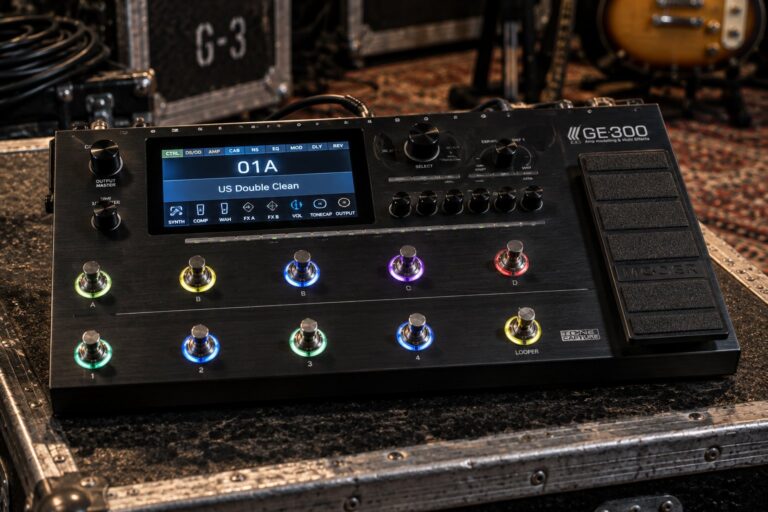
The Mooer GE300 sits at nearly double the G3Xn’s price and offers 108 amp models, user IR import, a built-in polyphonic synth engine, Tone Capture (amp profiling), a 30-minute looper, and USB audio interface functionality. These are different product classes sharing a category name. The GE300 is for players building a serious direct rig; the G3Xn is for players who need a practical, affordable effects solution without a steep learning curve. There is no shame in the G3Xn’s position—most players in a working band setting need accessible workflow, not deep customization.
Zoom G3Xn vs. Line 6 POD Go ($449.99)
The Line 6 POD Go is the most direct tier-up from the G3Xn with a clear value proposition: HX-derived modeling (the same engine family as the Helix), a dedicated expression pedal, USB audio, and a color LCD for visual patch editing. POD Go patches are available from the enormous Helix community, and the amp modeling quality is demonstrably better. At $449.99 new, the gap is $200. For players who know they will keep the unit for years and record directly into a DAW, the POD Go is likely the right call. For players testing whether they like a multi-effects workflow at all, the G3Xn is the correct and low-risk entry point.
Zoom G3Xn vs. Hotone Ampero II Stage ($699.99)
The Hotone Ampero II Stage is in a different market segment entirely—$450 more, a 5-inch touchscreen, 460+ effects, 90+ amp models, XLR balanced outputs, Bluetooth MIDI, and professional touring-rig capability. Comparing them as direct competitors is misleading. A working guitarist might own the G3Xn as a practice and backup rig and the Ampero II Stage as a touring rig. The more useful framing is not which is better, but which one fits where you are in your gear journey right now.
Buying Guide
New G3Xn units are widely available from Sweetwater, B&H, Amazon, and Guitar Center at the $249.99 retail price. The AD-16 adapter is included; bring your own cable. Used G3Xn units appear regularly on Reverb and eBay in the $80–$130 range, sometimes lower. At used prices, the G3Xn is one of the most cost-effective ways to own a functional multi-effects setup with amp modeling, looper, rhythm machine, and expression pedal—all from a unit with a documented firmware update path and active community support as recently as 2026.
Key checks when buying used: confirm the firmware version. Version 2.0 brings the expanded 127-effect count and updated models; any unit running pre-2.0 firmware should be updated immediately via Guitar Lab before you judge its sound quality. The expression pedal should sweep smoothly from heel to toe with no dead zones or skipped values—if it feels scratchy, the potentiometer may need cleaning, which is a straightforward fix but worth negotiating on price. Check that all three footswitches click cleanly and return to their resting positions.
The G3n (without expression pedal) at $199.99 new is the right choice if you want identical sounds without the pedal, or if you already own an expression pedal and prefer to use an external one. Note that the G3n’s EXP jack accepts an external expression pedal but does not accept a MIDI controller or tap tempo switch. If external MIDI control or additional footswitch count matters to your setup, the G3Xn’s architecture is the better platform even before you consider the built-in expression pedal.
Ownership Notes
The Mic On/Off switch on the rear panel is the first thing to set correctly and the first thing to check if your tone sounds wrong. Direct to PA or audio interface: Mic On. Running into a real guitar amplifier’s instrument input: Mic Off. Running into an amplifier’s effects return only: Mic On, so the cab sim is active for the power-amp stage. Getting this switch wrong is the most common G3Xn complaint in forums, and it is always a configuration issue, not a hardware flaw.
Guitar Lab is worth installing even if you plan to use only the factory effects. The patch backup function alone justifies it—a unit reset will wipe your custom patches, and having them backed up on computer takes under a minute. The clipboard function (up to four saved effect blocks with custom parameters, paste-able between patches) is the feature most users discover last and wish they had found sooner. The NEWS section of Guitar Lab shows newly added effects and patches with demo sounds; checking it periodically is how you stay current with what Zoom adds to the platform.
The 80-second looper and 68 rhythm patterns function simultaneously, which turns the G3Xn into a self-contained practice station. Set a rhythm pattern at the desired tempo via tap tempo, loop a chord sequence over it, then solo over the loop while the rhythm pattern continues. The expression pedal controls looper record/playback in real time. This workflow is the G3Xn’s strongest pitch to the bedroom player: a drum machine, a looper pedal, a wah pedal, and a multi-effects processor in one unit at a price most players can absorb.
Power considerations: the included AD-16 adapter is 9V DC center-negative at 500 mA. This is more than most small stompboxes draw and means the G3Xn typically needs its own dedicated output on a multi-power supply; sharing a 100–200 mA output with other pedals causes noise or dropout. The G3Xn also accepts USB power from a computer via the Micro-B port when Guitar Lab is connected—useful for editing at a desk without the adapter. For standalone use on a pedalboard, the AD-16 or an equivalent 9V/500 mA supply is required.
FAQ
What is the difference between the Zoom G3n and G3Xn?
The G3Xn ($249.99) has a built-in expression pedal; the G3n ($199.99) does not. Both units are otherwise identical in DSP, effects count, amp models, outputs, and software compatibility. If you need real-time control of wah, volume, or effect parameters via a continuous controller, the G3Xn is the unit to buy. If you do not use an expression pedal, the G3n saves fifty dollars in a smaller physical footprint.
Can I use the G3Xn as a USB audio interface?
No. The G3Xn’s USB Micro-B port handles USB MIDI communication with Guitar Lab software only—it does not transmit audio. To record your G3Xn into a DAW, you need an external audio interface connected to the ¼” outputs. This is one of the clearest points of difference between the G3Xn and competitors like the Boss ME-90 or Line 6 POD Go, both of which double as USB audio interfaces at similar or higher price points.
How many effects can I use at once?
Seven simultaneous blocks, which can be any combination of effects, amp emulators, and cabinet emulators drawn from the G3Xn’s library of 127 effects plus 32 amp/cab models (as of version 2.0 firmware). The three footswitches toggle individual blocks in and out during performance, so you might have seven blocks loaded in a patch but activate only three at any given moment in a song.
Does the G3Xn support third-party impulse responses?
No. The G3Xn’s cabinet emulation uses Zoom’s internal cab models plus additional cabs downloadable through Guitar Lab. It does not accept WAV or other third-party IR files. If IR import is important to your workflow—for matching studio cab sounds or loading Celestion or Ownhammer IRs—you need a unit like the NUX MG-30, Mooer GE300, or Hotone Ampero II Stage, all of which support user IR loading.
Is the Guitar Lab software still being updated?
Yes, as of mid-2026. Zoom added three new effects to Guitar Lab between December 2025 and April 2026—OverDrive, BitCrush, and DynaDelay—and the platform continues to receive new artist-contributed patches. The G3Xn is still listed as a current product on Zoom’s website, not on their discontinued products page. Firmware 2.0 is the current version.
What amp models are built in?
The version 2.0 firmware includes 16 amp emulators covering tweed combos, British-voiced stacks, American clean platforms, and high-gain rectifier circuits, paired with 16 cabinet emulators. Additional amp/cab combinations—including models based on the Fender Bassman, Hi-Watt Custom 100, Mesa Boogie Dual Rectifier, Fender ’65 Deluxe Reverb, and Orange Graphic 120—are available as free downloads through Guitar Lab. Manufacturer names are trademarked by their respective owners; Zoom uses these references to describe sonic character, not to imply affiliation.
How does the G3Xn fit into a live rig?
Three common configurations: (1) Direct only—G3Xn Mic On, output into DI box, DI box to FOH, no amplifier on stage. Simple, consistent, venue-independent. (2) Amp front-end—G3Xn Mic Off, output into guitar amplifier’s instrument input; the amplifier handles its own preamp and the G3Xn provides effects only, no amp emulation active. (3) Effects loop only—G3Xn in the amplifier’s effects loop send/return, with the amp handling its own preamp and the G3Xn adding time-based effects post-preamp, Mic On so the cab sim is in circuit for the power-amp stage. The Mic On/Off switch must match your actual routing or the tone will be wrong.
Does the G3Xn run on batteries?
No. The G3Xn has no internal battery compartment and runs exclusively on the included AD-16 DC 9V adapter or USB power via the Micro-B port when connected to Guitar Lab on a computer. For use without a power outlet—traveling, busking, outdoor rehearsal—you need a battery-powered DC supply capable of 9V at 500 mA, such as a mobile power bank with a DC output. The unit cannot function on AA batteries the way some compact stompboxes can.
Image credits
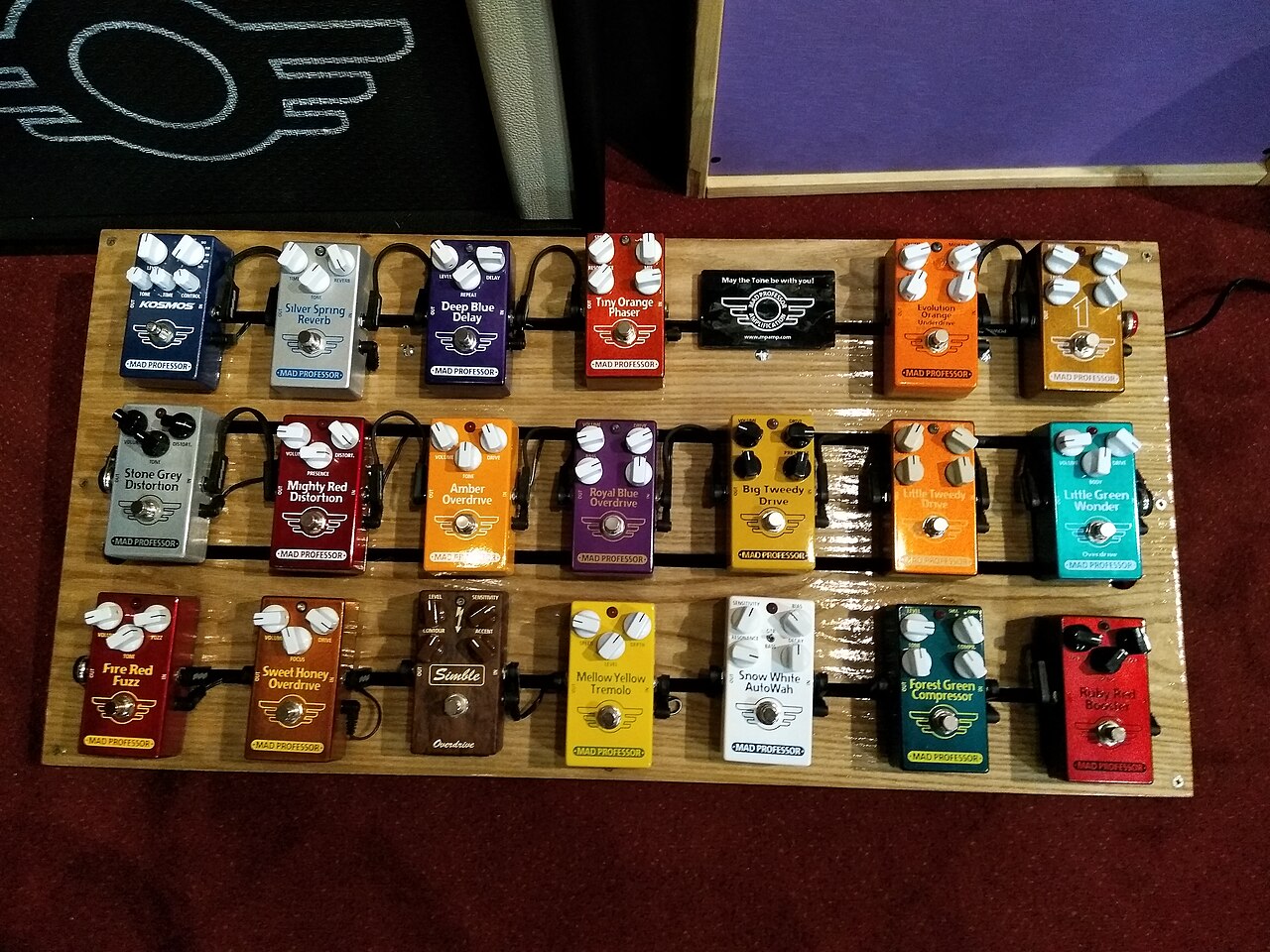
- A pedalboard full of colourful pedals: Skimel, Wikimedia Commons, CC BY-SA 4.0.
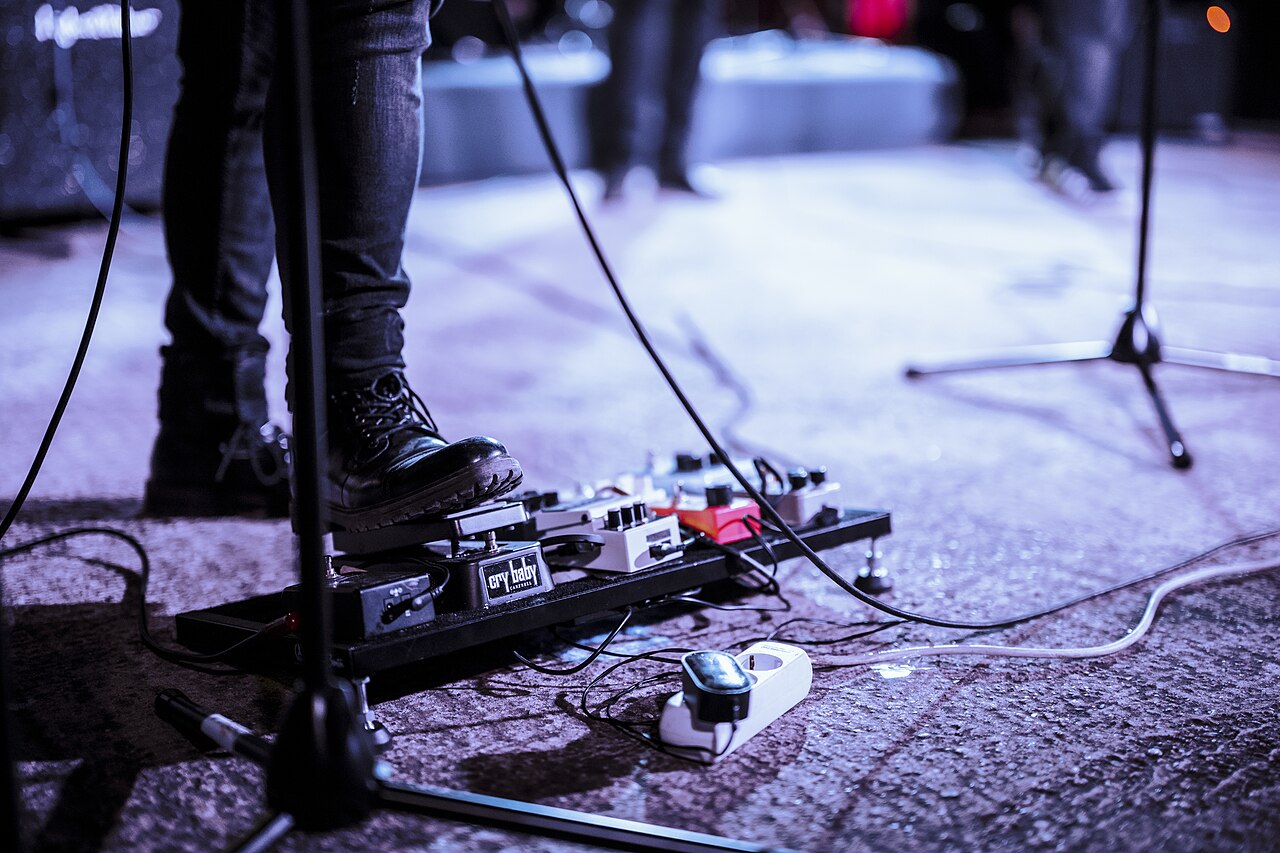
- A guitarist using an effects pedal on stage: Shixart1985, Wikimedia Commons, CC BY 2.0.
Latest News
Related
On This Day
Friday 13 November